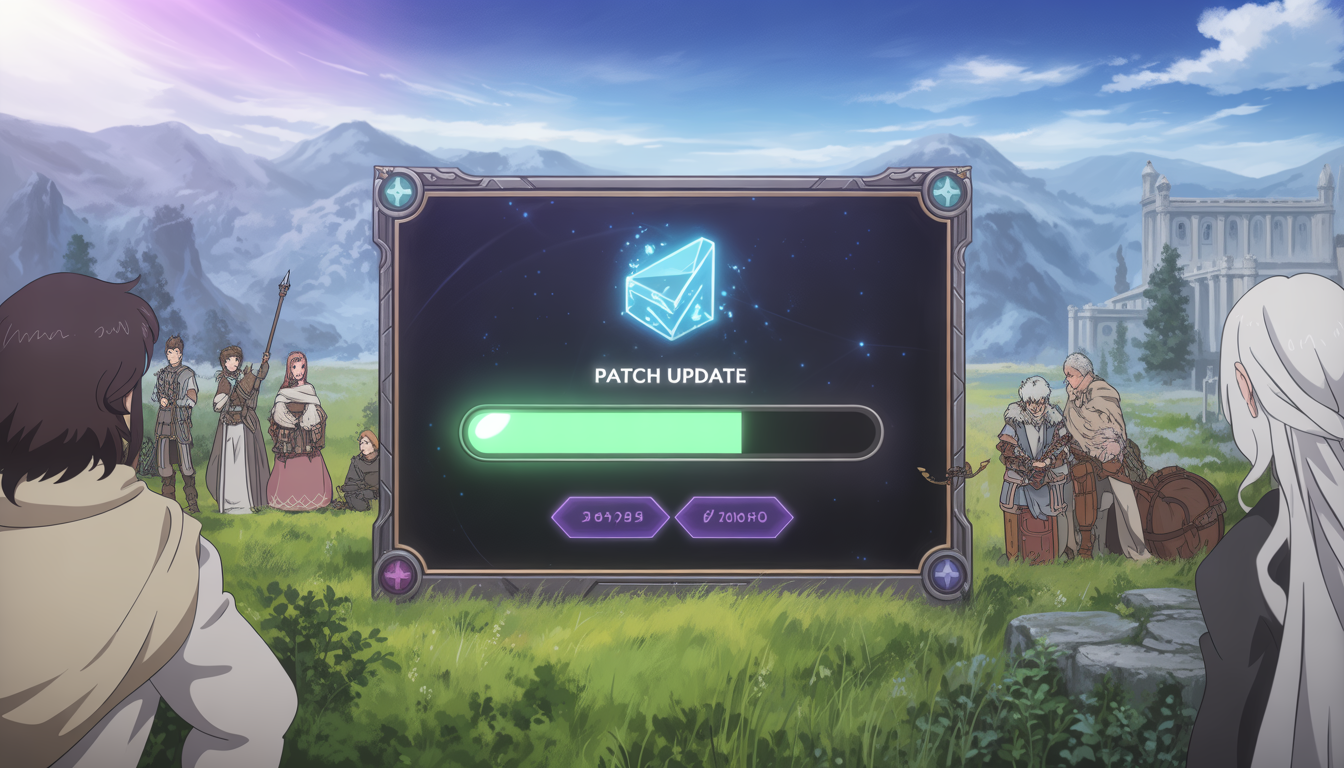
The “Mabinogi lazy patch” is a term widely used among players of Mabinogi when discussing the game’s patching system. While the official patcher downloads updates automatically, some players encounter issues such as slow downloads, failed patches, or the need for repeated updates.
To solve these problems, the community often refers to a workaround or alternative method called the lazy patch. This approach helps players update the game quickly without relying entirely on the official launcher.
In this comprehensive guide, we will explore:
- What the Mabinogi lazy patch is
- Why players use it
- How to perform it safely
- Common patching errors and fixes
- Optimisation tips for faster updates
Whether you’re a returning player or a veteran adventurer in the world of Erinn, this guide will help you understand and manage the patching process more efficiently.
What Is Mabinogi?
Mabinogi is a fantasy MMORPG developed by Nexon. First released in 2004, it became famous for its:
- Anime-style graphics
- Open-ended gameplay
- Unique life skill systems
- Player-driven storytelling
Unlike traditional MMORPGs, Mabinogi allows players to explore many activities, including:
- Combat and dungeon exploration
- Cooking and crafting
- Music composition and performance
- Trading and social gameplay
Because the game is frequently updated with new events, skills, and story content, patch updates are essential. This is where the patching system — and the concept of the lazy patch — comes into play.
For general information about the game, you can refer to the Mabinogi Wikipedia page.
What Is the Mabinogi Lazy Patch?
The Mabinogi lazy patch is a community term describing a method where players bypass the official patcher’s slower process by updating the game files manually or using alternative patching strategies.
It does not mean hacking or modifying the game. Instead, it refers to:
- Skipping redundant downloads
- Fixing stuck patchers
- Updating files faster
- Avoiding repeated verification loops
Players use this method when the official launcher:
- Gets stuck during updates
- Downloads patches extremely slowly
- Fails to verify files
- Restarts patch downloads repeatedly
Why Players Use the Lazy Patch Method
Many long-time players report patching problems when updates are released. These issues are common in MMORPGs with frequent updates.
Common Reasons Players Use Lazy Patch
| Problem | Description |
|---|---|
| Slow downloads | Patch servers sometimes throttle speeds |
| Patch verification errors | The launcher repeatedly checks files |
| Restarting updates | The patch restarts instead of continuing |
| Corrupted files | Updates fail due to missing data |
Using a lazy patch workaround can often resolve these problems faster.
How the Official Mabinogi Patch System Works
Understanding the official patch system helps explain why lazy patch methods exist.
When you launch the game:
- The launcher checks the installed version
- It compares files with the latest server version
- Missing or outdated files are downloaded
- Files are verified before the game launches
This process ensures game integrity, but sometimes it becomes inefficient if:
- Files are partially downloaded
- Network interruptions occur
- Patch servers are overloaded
How to Perform a Mabinogi Lazy Patch (Safe Method)
Below is a safe approach used by many players when the official patcher fails.
Always ensure you download files from trusted sources or official community guides.
Step-by-Step Guide
1. Close the Game and Launcher
Ensure the launcher and game are completely closed before modifying files.
2. Locate the Game Folder
Typical install locations include:
C:\Nexon\Mabinogi
or
C:\Program Files\Nexon\Mabinogi
3. Backup Important Files
Create a backup folder and copy:
- configuration files
- settings
- screenshots
4. Download Updated Patch Files
Many players obtain patch files from:
- official community forums
- mirror servers
- trusted fan communities
5. Replace Outdated Files
Copy the downloaded patch files into the Mabinogi installation directory, replacing older versions.
6. Launch the Game
Run the official launcher again. In many cases:
- the launcher verifies files quickly
- missing patches are skipped
- the game launches normally
Benefits of Using the Lazy Patch Method
Players who use the lazy patch method often report several advantages.
Faster Updates
Manual patching can reduce update time from hours to minutes.
Fewer Launcher Errors
By bypassing the slow verification loop, players avoid repeated errors.
Stable Gameplay
When files are properly updated, the game launches without patch interruptions.
Risks of Lazy Patching
While useful, lazy patching should be done carefully.
Potential Risks
- Downloading corrupted files
- Using outdated patch versions
- Breaking game compatibility
- Security risks from untrusted downloads
How to Stay Safe
Follow these guidelines:
- Only use trusted community sources
- Scan downloads with antivirus software
- Always keep backups
- Use the official launcher to verify files afterwards
Common Mabinogi Patch Errors and Fixes
Here are some of the most common patch problems players experience.
1. Mabinogi Stuck at 0% Download
Cause
- Server congestion
- Network interruption
Fix
- Restart launcher
- Run launcher as administrator
- Clear temporary patch files
2. Infinite Patch Loop
Cause
The launcher repeatedly verifies files but never completes the update.
Fix
- Delete the
patchfolder - Restart launcher
- Use a manual lazy patch
3. Corrupted File Errors
Cause
Incomplete downloads.
Fix
- Delete affected files
- Re-download patches
- Verify files via launcher
4. Launcher Not Opening
Fix
- Reinstall launcher
- Update graphics drivers
- Run compatibility mode
Optimising Mabinogi Patch Speed
If your patch downloads are slow, try these optimisation tips.
1. Use a Stable Internet Connection
Avoid patching on unstable Wi-Fi networks.
2. Close Background Applications
Bandwidth-heavy apps like streaming or downloads can slow updates.
3. Run the Launcher as Administrator
This prevents permission conflicts.
4. Temporarily Disable Firewall Restrictions
Some firewalls block patch servers.
Recommended System Setup for Smooth Updates
| Component | Recommended |
|---|---|
| Internet | 10 Mbps or faster |
| Storage | SSD drive |
| RAM | 8GB or more |
| OS | Windows 10/11 |
Using an SSD can significantly improve patch verification speed.
Mabinogi Community Resources
The Mabinogi community is extremely active and provides many helpful resources.
Useful places to find patch help:
- Official forums
- Community Discord servers
- Fan guides and tutorials
You can also learn more about the game from the Mabinogi Wikipedia page and official Nexon resources.
Image Suggestions for SEO (Alt Text)
If you publish this article, include helpful images with keyword-optimised alt text.
Suggested images:
| Image | Alt Text |
|---|---|
| Mabinogi launcher screen | “Mabinogi launcher patch update screen” |
| Patch download progress | “Mabinogi patch download progress bar” |
| Game installation folder | “Mabinogi installation directory files” |
| Gameplay screenshot | “Mabinogi fantasy MMORPG gameplay scene” |
Images improve SEO ranking and user engagement.
Semantic & LSI Keywords for SEO
To improve search visibility, include related keywords:
- mabinogi patch fix
- mabinogi launcher stuck
- mabinogi update problem
- mabinogi patch download slow
- mabinogi manual patch
- mabinogi launcher error
Using these naturally throughout your article strengthens on-page SEO.
Frequently Asked Questions (FAQ)
What is the Mabinogi lazy patch?
The Mabinogi lazy patch is a community method for updating the game manually or bypassing slow launcher downloads. It helps players fix patch errors or speed up updates.
Is the lazy patch safe to use?
Yes, if you follow trusted guides and download files from reliable sources. Always scan files and back up your installation folder before making changes.
Why is the Mabinogi launcher so slow?
Patch speeds may slow down due to:
- server congestion
- large update files
- network issues
- launcher verification processes
Can a lazy patch get you banned?
No, as long as you are only replacing official patch files and not modifying the game in ways that break its rules.
How often does Mabinogi receive updates?
Mabinogi receives regular updates, including:
- seasonal events
- new story chapters
- gameplay improvements
- bug fixes
Final Thoughts
The Mabinogi lazy patch has become a popular workaround for players experiencing patching issues. While the official launcher usually works well, network problems or server congestion can cause frustrating delays.
By understanding how the patch system works and applying safe lazy patch methods, players can:
- update the game faster
- fix launcher errors
- avoid repeated patch downloads
- return to the world of Erinn without frustration
However, always prioritise security and official sources when downloading patch files.
Ready to Fix Your Mabinogi Patch?
If you’re struggling with slow updates or launcher errors, try the tips and methods in this guide to get back into the game quickly.